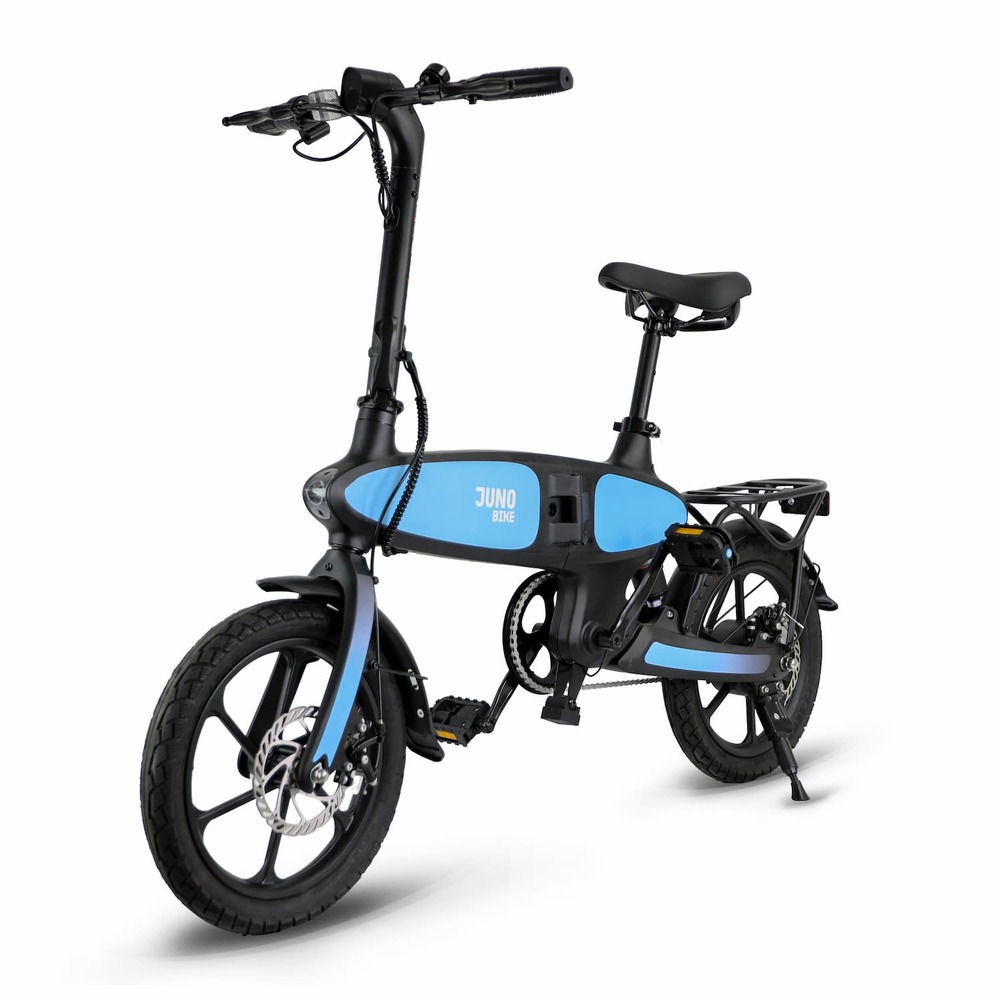
Before assembling your Defiant ST
The Defiant family manual includes earlier display variants. The new Defiant ST does not use the L300. Use mechanical illustrations only where they match your supplied hardware; do not apply the manual's earlier display instructions to the new ST. If parts differ or are damaged, contact support before assembly or riding.
Do not substitute assembly instructions from a different model. Have a qualified bike technician check the assembly if you are unsure about wheel attachment, steering, brakes, or fastener tightening.
Remove the ST battery
- Turn the bike off and disconnect the charger. Support the battery so it cannot fall.
- Locate the keyhole on the left side of the frame.
- Turn the key counter-clockwise, then pull the battery out with its top coming out first.
- For reinstallation, follow the manual and check that the battery is secure before riding. Do not force a stuck battery or lock.
The ST battery-removal illustration is on printed page 8 of the shared manual.
Charging and the display
Find the battery charging connection using the manual's charging illustrations. Use the supplied or Jupiter-approved charger and follow the charging and troubleshooting guide. Do not use any USB port as a bike-battery charging connection.
Use the speed-setting steps on the Defiant ST support page. Do not use the L300 menu or error-code table. The exact new ST display model has not been confirmed here, so the L04NH table is not assigned to it either. For a display manual or error code, send support photos of the screen and buttons.
Before the first ride
Complete the pre-ride checklist, then register your bike. Keep your receipt and serial-number photo with your records.