Notes
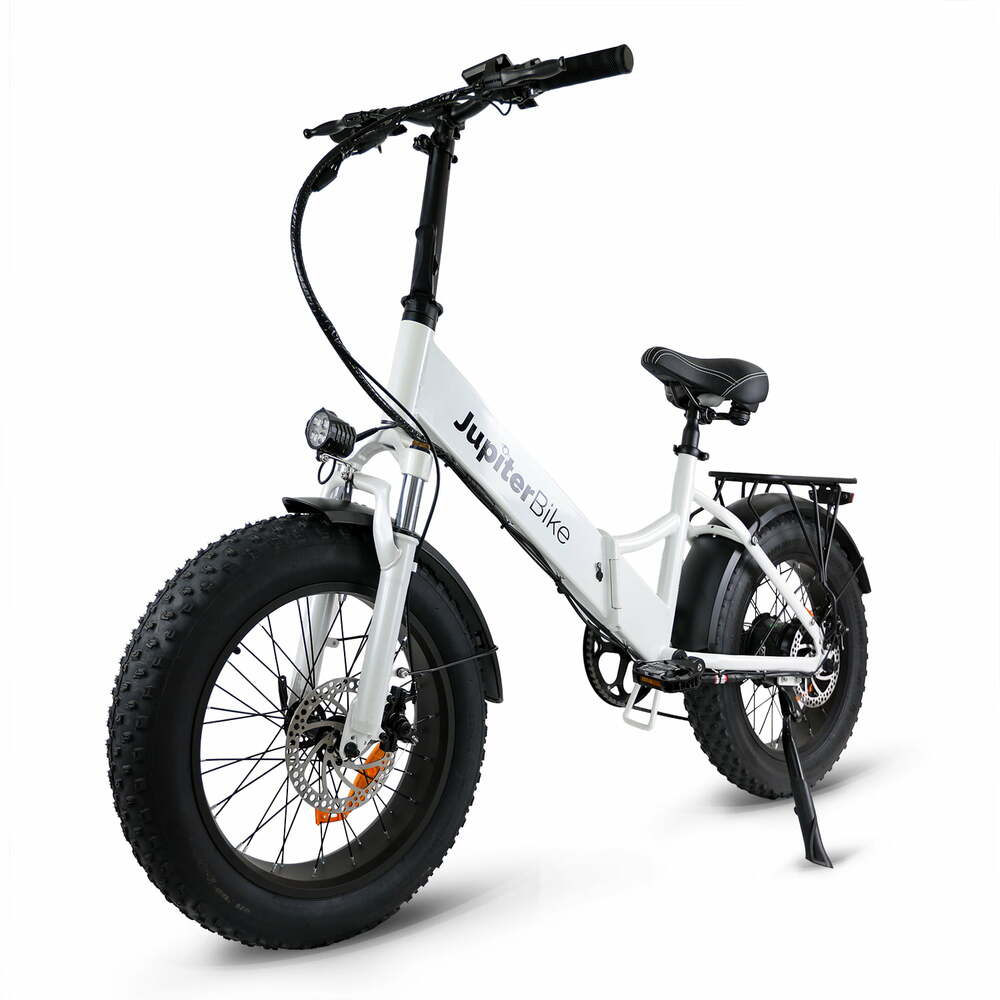
Defiant Assembly Video
Watch this step by step video on Defiant Unboxing and Setup.
How To Access Settings / Adjust Speed Limit
To comply with pending legislation for Class 2 electric bikes, new Jupiter Bikes are now coming
limited to 20 mph. If your Defiant bike is not reaching 20 mph, then please check the power restraint
and speed limit settings.

To check the Power Restraint, hold down Power and Up Arrow for 5 seconds. Press Up or Down arrow to
adjust the large flashing value to 60. Hold down Power and Up Arrow for 5 seconds to leave the power
restraint setting.
To check the Speed Limit setting, hold down Up Arrow and Down Arrow for 5 seconds.
The large flashing number needs to be set to 20. Hold down Up Arrow and Down Arrow for 5 seconds to
leave the speed limit setting.
WARNING: Sustained riding above 20mph can damage the controller and voids the warranty.
Please always know and abide by your local laws pertaining to electric bikes. Be responsible and safe
when operating your Jupiter Bike.
How To Reset the Trip Meter
Double tap (very fast) the Power button on the LCD Display to reset the Trip mileage.
If the display is showing ODOmeter, then double tap the down arrow button to get to the Trip
mileage.
Double tap the up arrow on the LCD Display to return to Odometer.
How To Switch Between MPH and KPH
To switch between MPH and KPH, first make sure your display shows TRIP instead of ODOmeter.
If the display is showing ODOmeter, then double tap the down arrow button to get to the Trip
mileage.
Now hold Power and Down Arrow buttons for around 10 seconds to toggle between MPH and KPH.
L04NH - 2026 Defiant Display Manual
L300 Display User Manual
Some Jupiter Bike Defiant models use the L300 Display.
Download the L300 Display User Manual
Defiant Powers On, but the Motor Doesn't Run
Turn the bike off before inspecting visible cables. The motor-wire plug near the rear fork may be loose; do not pull wires or force connectors. Do not operate the throttle while inspecting the connection.
Use the motor troubleshooting checklist for display, brake, cable, and support checks.
Bike Battery Won't Charge
Stop using and charging a battery that is damaged, swollen, leaking, or unusually hot. Do not freeze, heat, or open the battery to try to revive it.
Follow the battery charging troubleshooting guide for safe external checks and what to send support.