Identify Your Jupiter Bike and Display
Identify the bike before using a settings guide
Check your receipt, order details, and bike labels for the model and any version information. Take a photo of the complete bike and its display with the screen on. Similar-looking bikes can have different displays; do not choose settings from the bike name alone.
Find the frame serial number
The Jupiter Bike registration guide identifies these locations. Turn the bike off and support it securely before looking underneath.
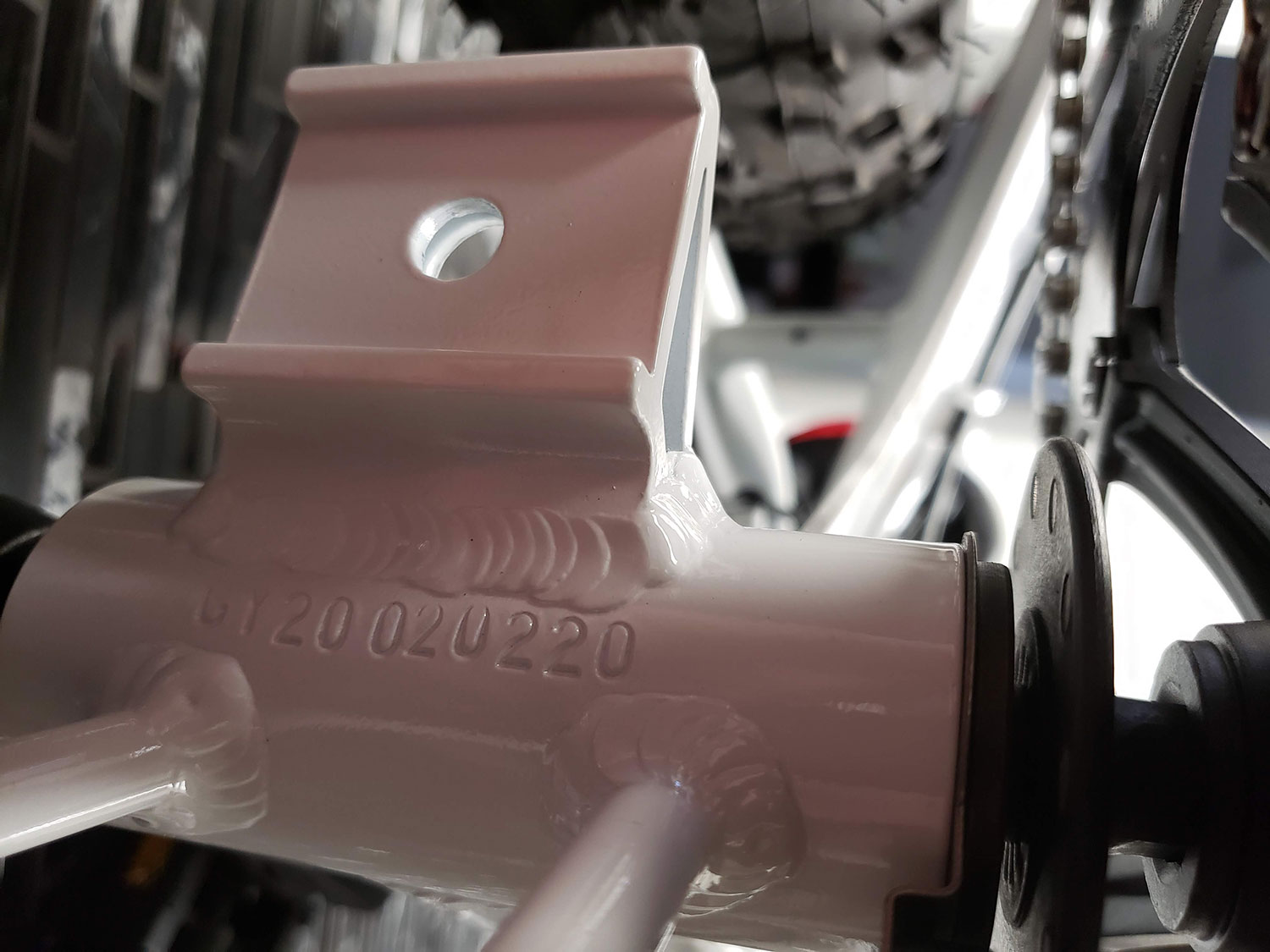
Defiant series
Look underneath the frame, below the crank arms.
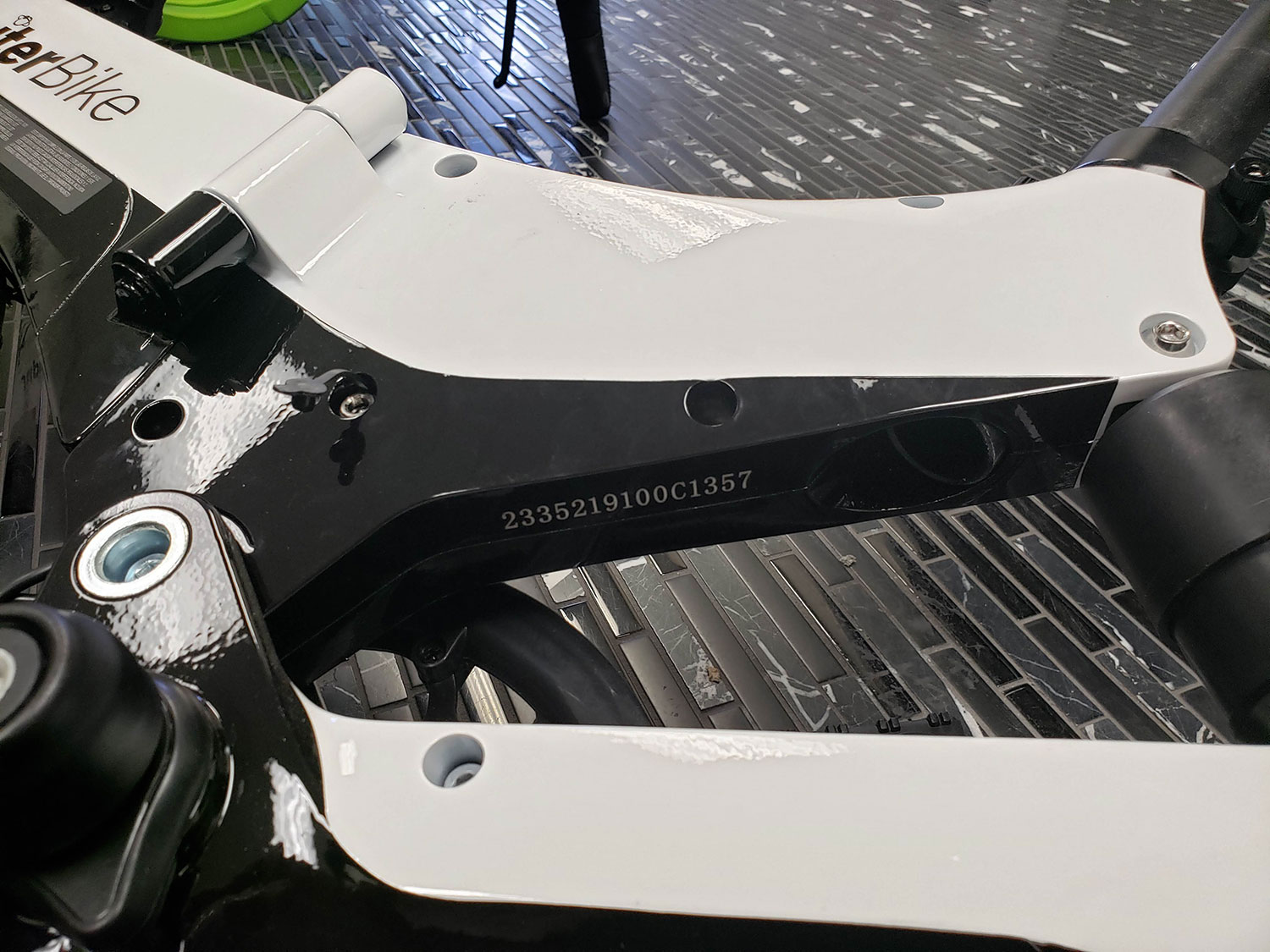
Discovery X5 / X7
Look underneath the rear part of the frame, above the rear fork.
If no number is visible, send support your order number and model photos. Do not remove components to look for a label.
New Defiant ST owners
The new Defiant ST does not use the L300. The L300 example and manual below are for bikes with a confirmed L300 display. Use the Defiant ST speed-setting note; do not assume the L04NH manual matches either. Send support a display photo to confirm the correct manual.
Match the display to its own manual
- L300: compare the display and separate button unit with the illustrations in the L300 manual, pages 3–5.
- L04NH / L04N-H: compare the illustrations in the L04NH manual, pages 2–4.

Buttons marked +, −, or Power are not enough to identify a display. If the model label, screen, or menus do not match, send support photos before changing parameters. Do not disconnect the display while the bike is powered on.